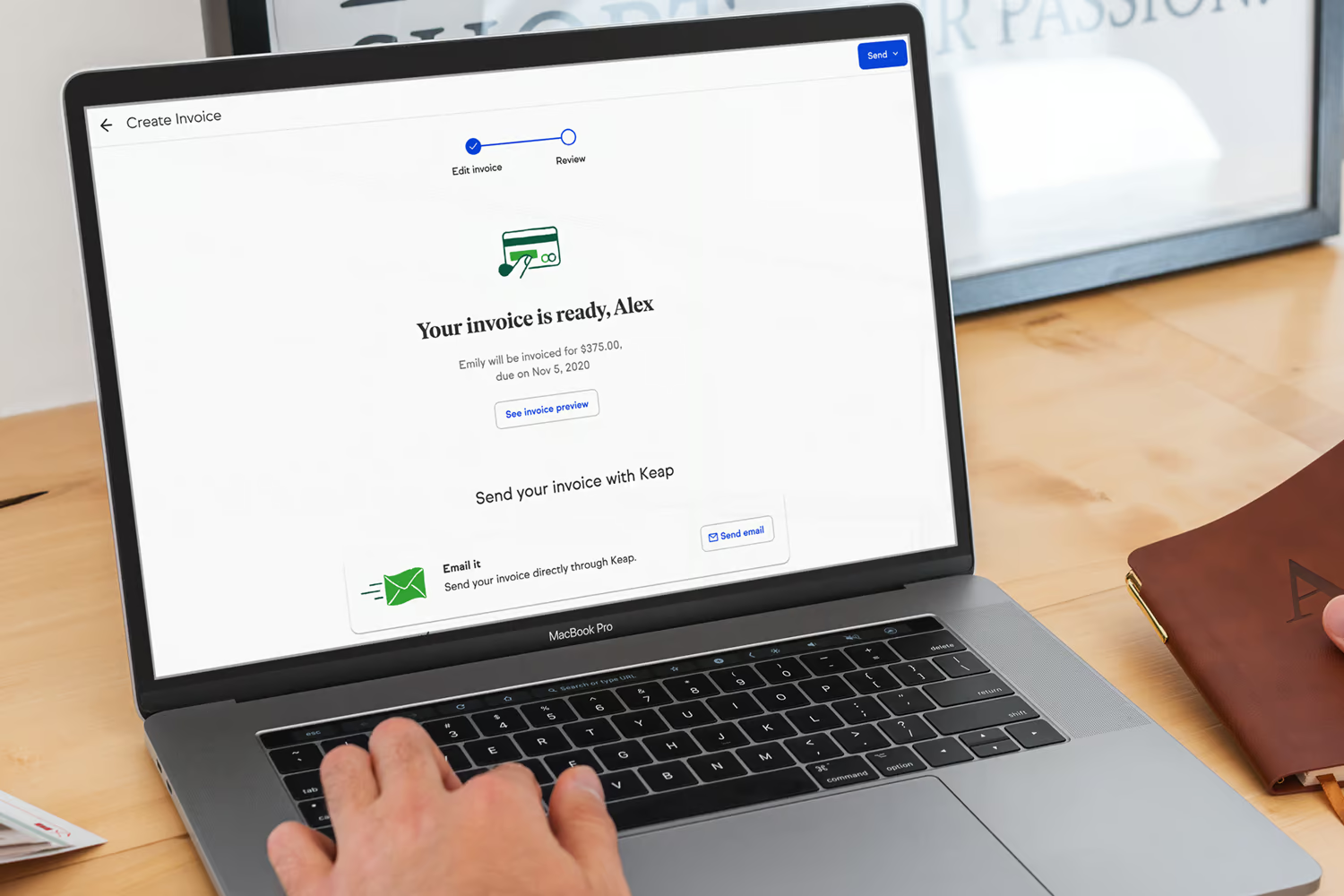
Redesigning the payments experience for Keap's CRM to reduce churn and empower small business owners.
Getting paid is a core aspect of running a small business. Keap is a CRM platform built to support small-business owners run their businesses. It also comes with an inbuilt payments feature set which includes sending invoices, tracking payments, and reporting.
Unfortunately, payments was not performing well in the product. The churn rate was increasing at an alarming rate and almost matching to that of the product churn (product churn was improving, but the trajectory for payments churn continued to stay up).
This led us to investigate the problem further and identify areas for improving the experience for the users.
As the sole designer on payments, I was responsible for User Research, Prototyping, UI Design, Usability Testing, providing guidance on feature release priority based on UX, and Product Analytics.
Additionally, my work also involved partnering with cross-functional stakeholders including UX Researchers to consult and fine-tune research protocols, Product Manager to gather data points and work out strategy, and engineers to identify technical constraints.
Here is a broad glimpse of some of the questions that we started with:
As part of research, I partnered with the PM in conducting discovery research. The goal here was to listen to users and understand their needs in using a payments tool.
We conducted 12 user interviews and spoke to diverse business types (mom-pop shops to structured businesses with multiple full-time employees). Furthermore, I constantly followed our official user group to record any payment feedback.

To synthesize and collate feedback, I worked with PM to do affinity mapping sessions.
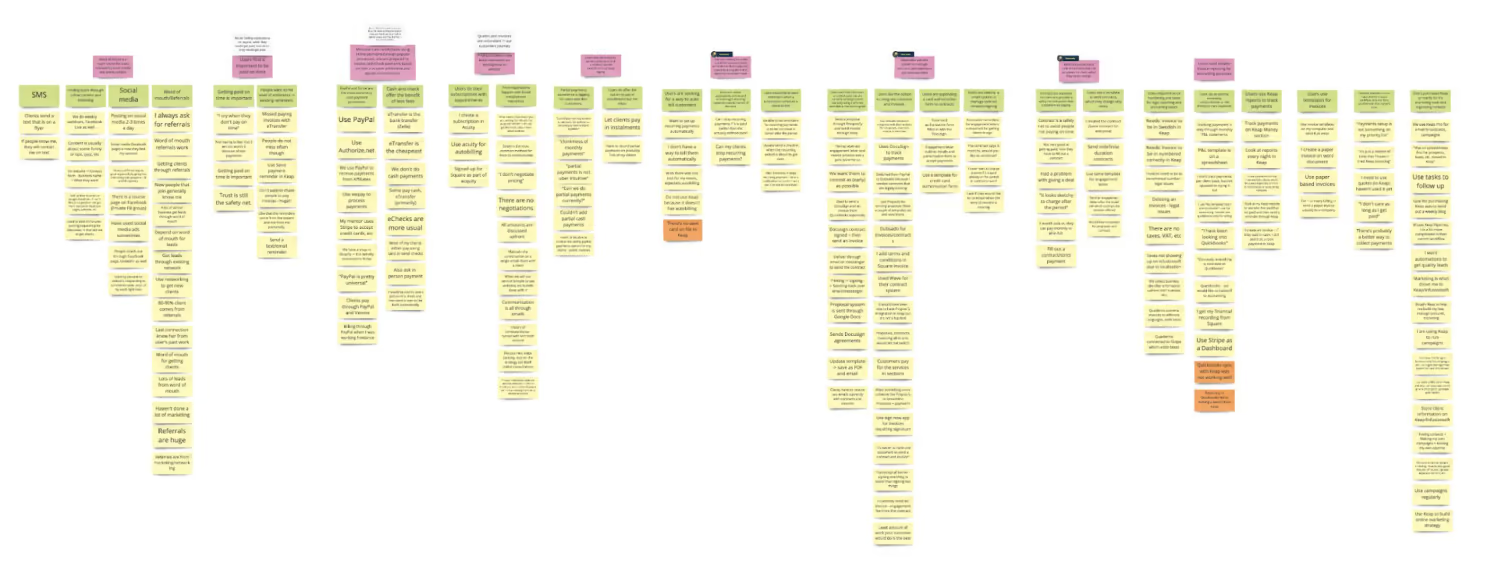
Based on the research, we found the following insights:
To further validate our findings, we worked with UX Researchers to send out a survey. We surveyed 270 users as part of this. Through the survey, we were able to validate and build a prioritized list of features. With this data, we were confident in moving forward to the design phase.
Before jumping to design, I mapped all the interactions and touch points across payments. Furthermore, I also captured how payments interacts with other core-features of the Keap CRM.
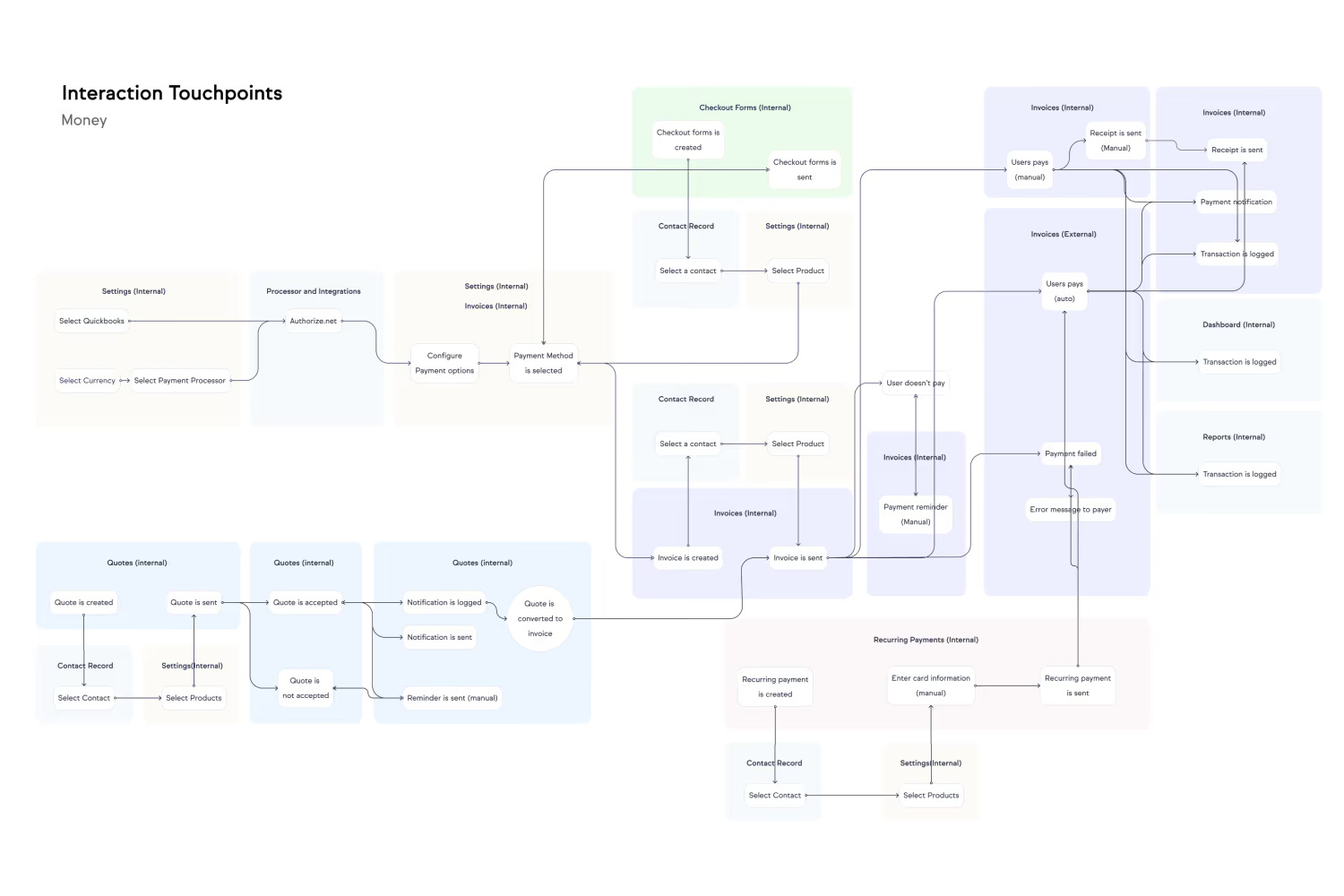
For this case study, I will cover two key changes we made. These had the most significant impact on the payments feature — Baseline Improvements in invoices and Recurring Billing.
This is a limited preview of the designs to comply with the non-disclosure agreement.
The existing solution was a small modal and prone to losing all user progress by accidentally clicking outside the modal. With the redesign, we completely overhauled the invoice builder experience with a full-screen wizard experience.
We also added auto-save indicator to inform users and reduce their fear of accidentally losing changes.
Existing invoices didn't allow users to edit a customer once selected. This led to a lot of frustration for the users as they'd have to recreate the entire invoice with the updated contact information.
We fixed this in the new redesign of the invoices.
We introduced in-line add/edit of products or services in the invoice. This significantly reduced the steps users would need to take while creating their invoice.
We learned from users that they often interact with customers in different places — text messages, social media, etc — and wanted a way to quickly send invoices.
We introduced shareable links for invoices that they can copy and share with their customers.
Recurring billing was the biggest ask from users. Our existing solution did have recurring billing but the business-owner would have to manually take credit card information from their customer and enter to setup recurring billing. This was a major pain point for our users and their customers as it involved anxiety around sensitive information storage and safety.
We iterated heavily on this (4 different versions in 4+ unmoderated tests with 60+ users) and introduced this experience for customers to pay for a recurring invoice directly.
We made significant changes to the recurring invoice experience. Considering there are a lot of things that the users would need to setup such as frequency, last date, payment methods to accept, etc., we also added a first-time use modal to outline steps for creating a recurring invoice.
As we released these updates, we started to notice significant improvements in product usage and user sentiment immediately.
Perpetually in a state of beginner's mind.